> ## Documentation Index
> Fetch the complete documentation index at: https://docs.chonkie.ai/llms.txt
> Use this file to discover all available pages before exploring further.
# Visualizer
> Visualize your chunks and embeddings
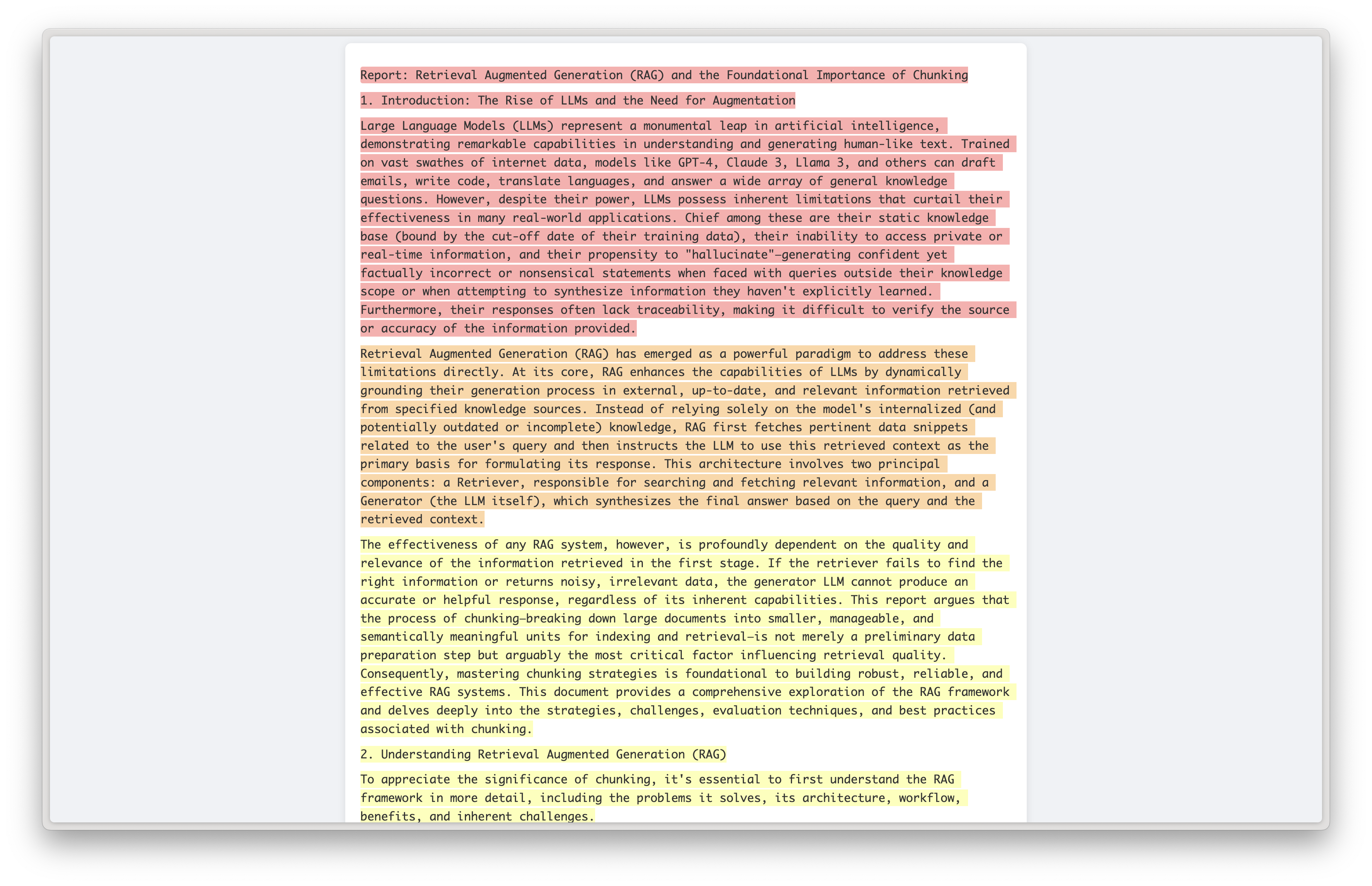
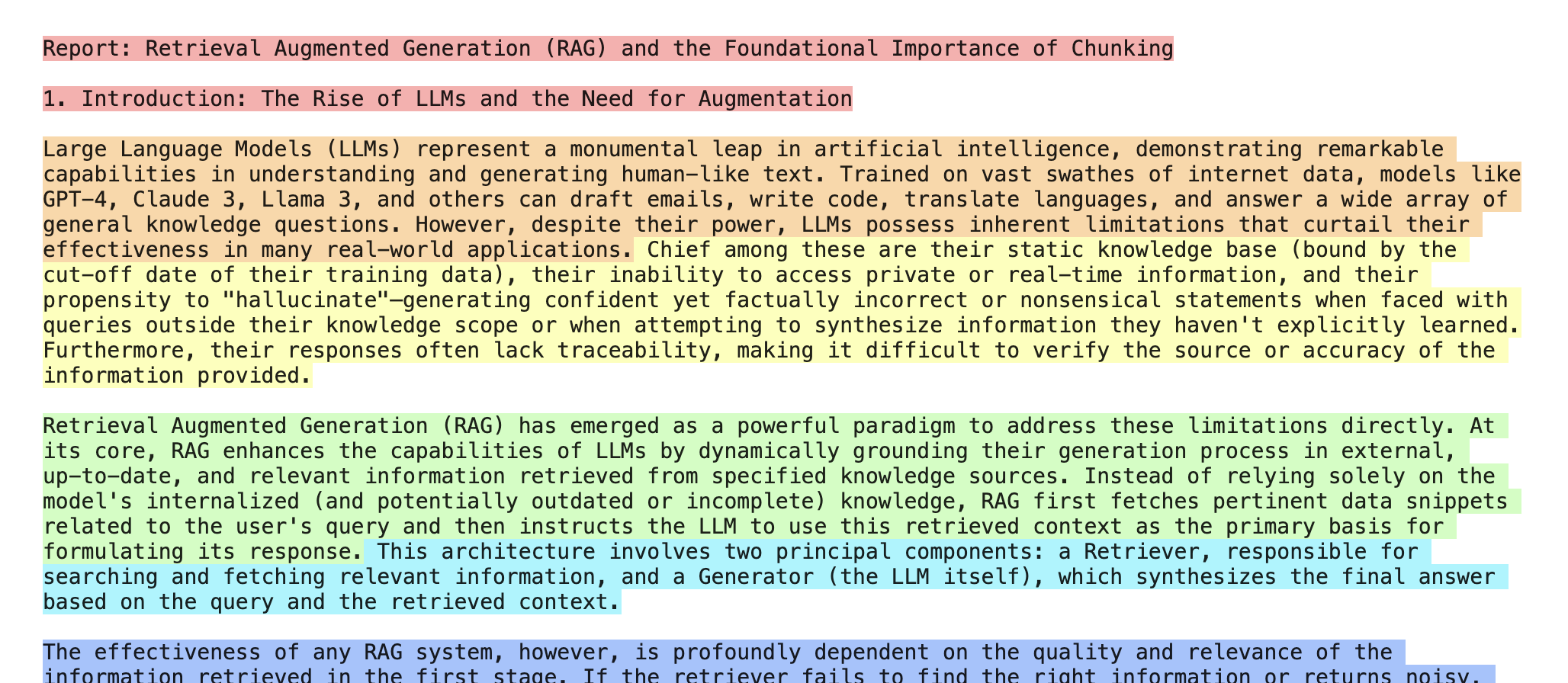
The `Visualizer` helps you visualize your chunks properly and compare different chunkers and settings with ease, either on the terminal or via HTML.
 ## Installation
To make use of the `Visualizer`, you'll need to install the `viz` optional install.
```bash theme={"system"}
pip install "chonkie[viz]"
```
## Usage
To use the `Visualizer`, you'll need to import it from `chonkie.utils`.
```python theme={"system"}
# Import the Visualizer
from chonkie import Visualizer
# Initialize the Visualizer
viz = Visualizer()
```
The `Visualizer` has two main methods: `print` and `save`.
The `print` method will print the chunks to the terminal. It accepts a list of `Chunk` objects or plain strings.
```python theme={"system"}
viz.print(chunks)
# Or you can directly call the Visualizer object
viz(chunks)
# You can also pass a list of plain strings
viz(["First text segment", "Second text segment", "Third text segment"])
```
The `save` method will save the chunks to a HTML file. Like `print`, it accepts `Chunk` objects or strings.
```python theme={"system"}
viz.save("chonkie.html", chunks)
```
## Installation
To make use of the `Visualizer`, you'll need to install the `viz` optional install.
```bash theme={"system"}
pip install "chonkie[viz]"
```
## Usage
To use the `Visualizer`, you'll need to import it from `chonkie.utils`.
```python theme={"system"}
# Import the Visualizer
from chonkie import Visualizer
# Initialize the Visualizer
viz = Visualizer()
```
The `Visualizer` has two main methods: `print` and `save`.
The `print` method will print the chunks to the terminal. It accepts a list of `Chunk` objects or plain strings.
```python theme={"system"}
viz.print(chunks)
# Or you can directly call the Visualizer object
viz(chunks)
# You can also pass a list of plain strings
viz(["First text segment", "Second text segment", "Third text segment"])
```
The `save` method will save the chunks to a HTML file. Like `print`, it accepts `Chunk` objects or strings.
```python theme={"system"}
viz.save("chonkie.html", chunks)
```